•2 min read
Understanding Light Quality: Direction, Softness and Falloff
How relative source size, inverse-square falloff, and shadow transitions define the sculptural identity of your frames.
LightingPhotographyCinematography
Why relying solely on an environment map makes renders muddy, and how adding directional rim lights carves tangible volume.
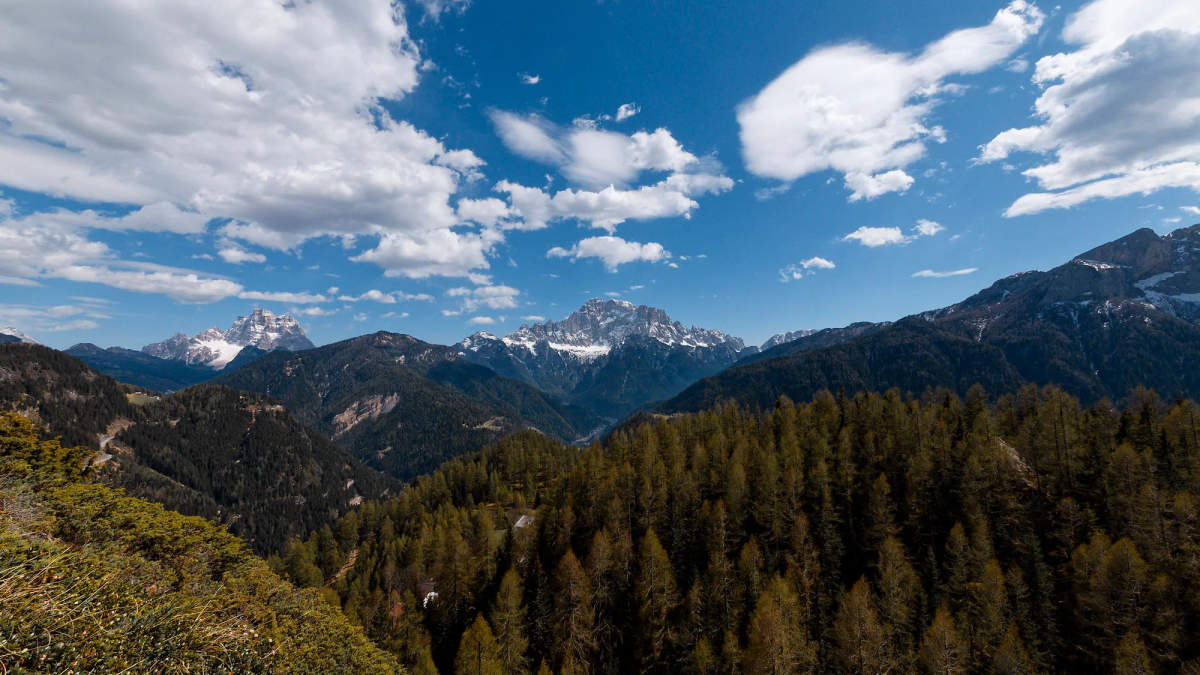
High Dynamic Range Images (HDRIs) transformed computer graphics by replacing sterile point lights with 32-bit floating-point panoramic captures of real environments. However, relying exclusively on an HDRI dome is one of the most common reasons why 3D scenes look muddy and indistinct.
An HDRI dome emits light from every hemisphere point. While this produces astonishingly realistic ambient occlusion and environment reflections in metal and glass, it behaves like an endlessly overcast sky.
Without a crisp, deliberate key vector, light wraps indiscriminately around your assets. Surfaces lack sculptural contrast, shadows dissolve into uniform greyness, and the viewer’s eye wanders across the frame without a clear focal destination.
To achieve commercial-grade visual impact, treat your HDRI as the ambient fill baseline, not the entire lighting setup.
In high-end CGI, realism thrives on color temperature interplay. If your HDRI represents cool alpine skylight (6500K–7500K), balance your artificial accent lights with warm tungsten or golden key tones (3200K–4500K).
Furthermore, take advantage of Light Linking: exclude specific lights from illuminating background geometry so they only cast specular sheen on the primary product asset. This level of surgical control allows you to craft visuals that feel grounded in physics yet elevated in aesthetic poise.

Visual director, commercial photographer, and 3D artist at Duerremedia. Specializing in ACES color science, cinematic pacing, and CGI.
How relative source size, inverse-square falloff, and shadow transitions define the sculptural identity of your frames.

Demystifying microfacet theory, dielectric Fresnel reflectance, and why roughness maps are the authentic soul of 3D realism.
Need visuals that work this hard?
Start a project